Video Editing with Premiere Pro
About Course
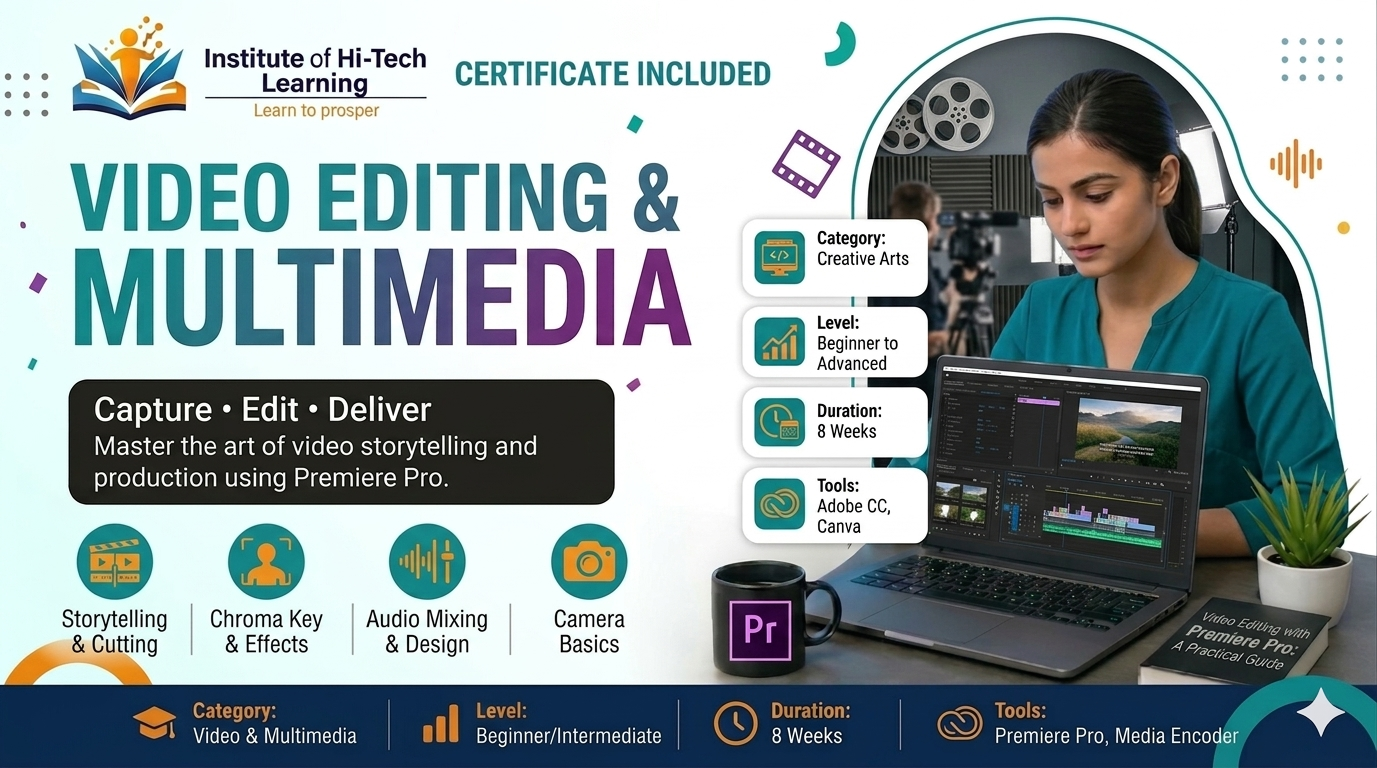
Want to become a professional video editor and create engaging videos for YouTube, Instagram, advertisements, films, and businesses? This Video Editing with Premiere Pro course is designed to help you master professional video editing skills from beginner to intermediate level.
Adobe Premiere Pro is one of the world’s leading video editing software used by filmmakers, YouTubers, digital marketers, agencies, and multimedia professionals. In this course, you will learn video editing fundamentals, cinematic editing techniques, audio synchronization, transitions, color grading, social media editing, and professional workflows through practical projects.
By the end of this course, you will be able to edit professional-quality videos confidently for social media, YouTube channels, advertisements, client work, and freelance projects.
Course Content
Introduction to Video Editing
Premiere Pro Fundamentals
Audio Editing & Sound Design
Transitions & Video Effects
Color Correction & Grading
Text Animation & Motion Graphics
Social Media & YouTube Editing
Final Projects & Portfolio
Student Ratings & Reviews